Doc Type
orientation
Audience
client_owner, client_manager, client_staff, client_ai_agent
Product Routes
//adminScreenshots
Platform Overview
SyncReserve should be understood from the product perspective first: what the platform lets a club run day to day, where those tools live, and which workflows matter most to operators, staff, and members.
At a high level, SyncReserve has three primary product surfaces:
- the public club site for guests and members
- the admin dashboard for operators, staff, and coaches
- the onboarding flow for tenant setup and go-live work
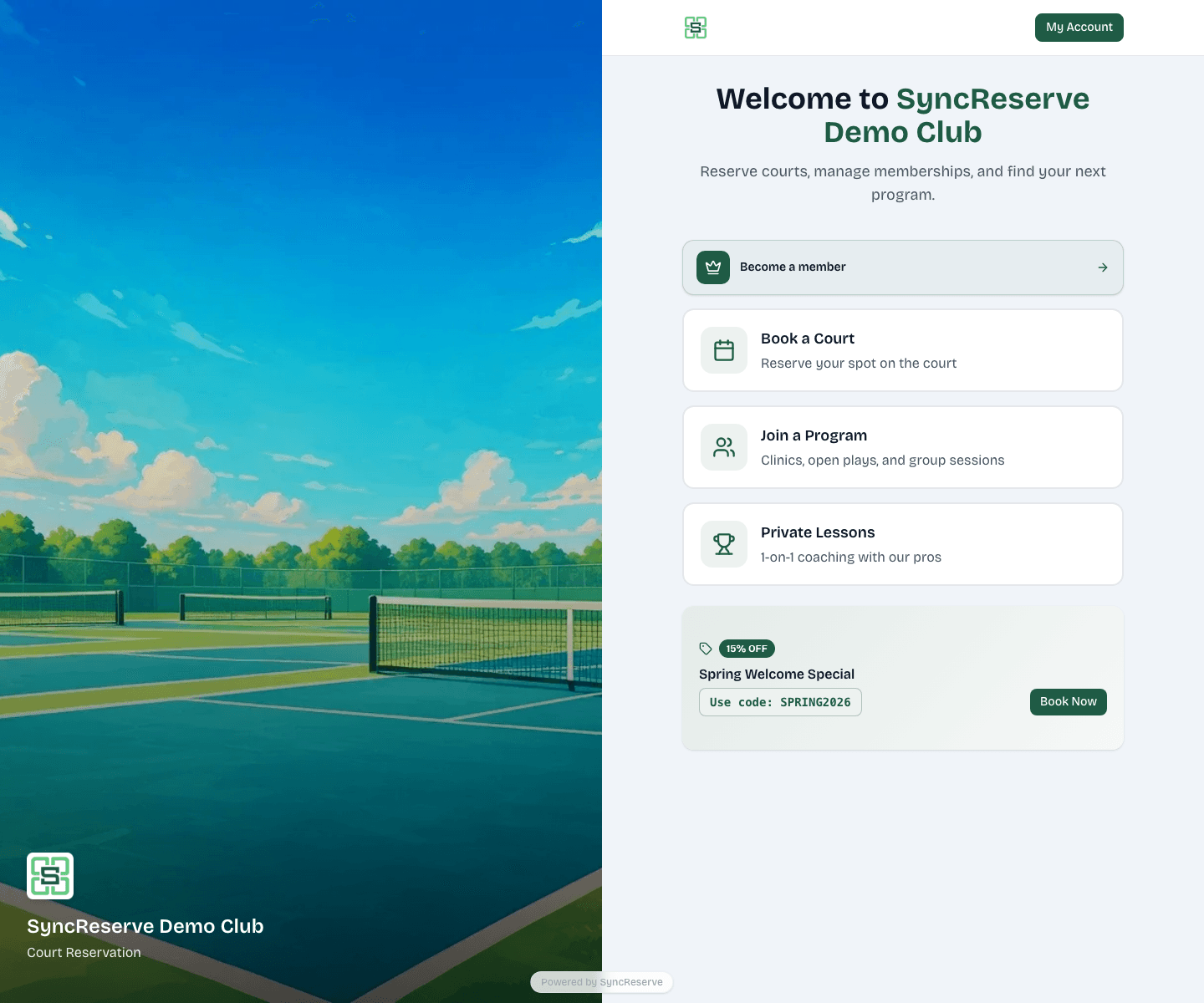
The public club site is where members and guests reserve courts, join sessions, book lessons, manage bookings, and handle account and payment tasks.
The admin dashboard is where club operators run bookings, customer records, programs, finance, settings, and daily operations.
The onboarding flow is where new tenants configure the operational baseline before launch.
If you are trying to understand where things live in the admin dashboard, continue to
/docs/start/admin-navigation.