
Doc Type
orientation
Audience
client_owner, client_manager, client_staff, client_coach, client_ai_agent
Product Routes
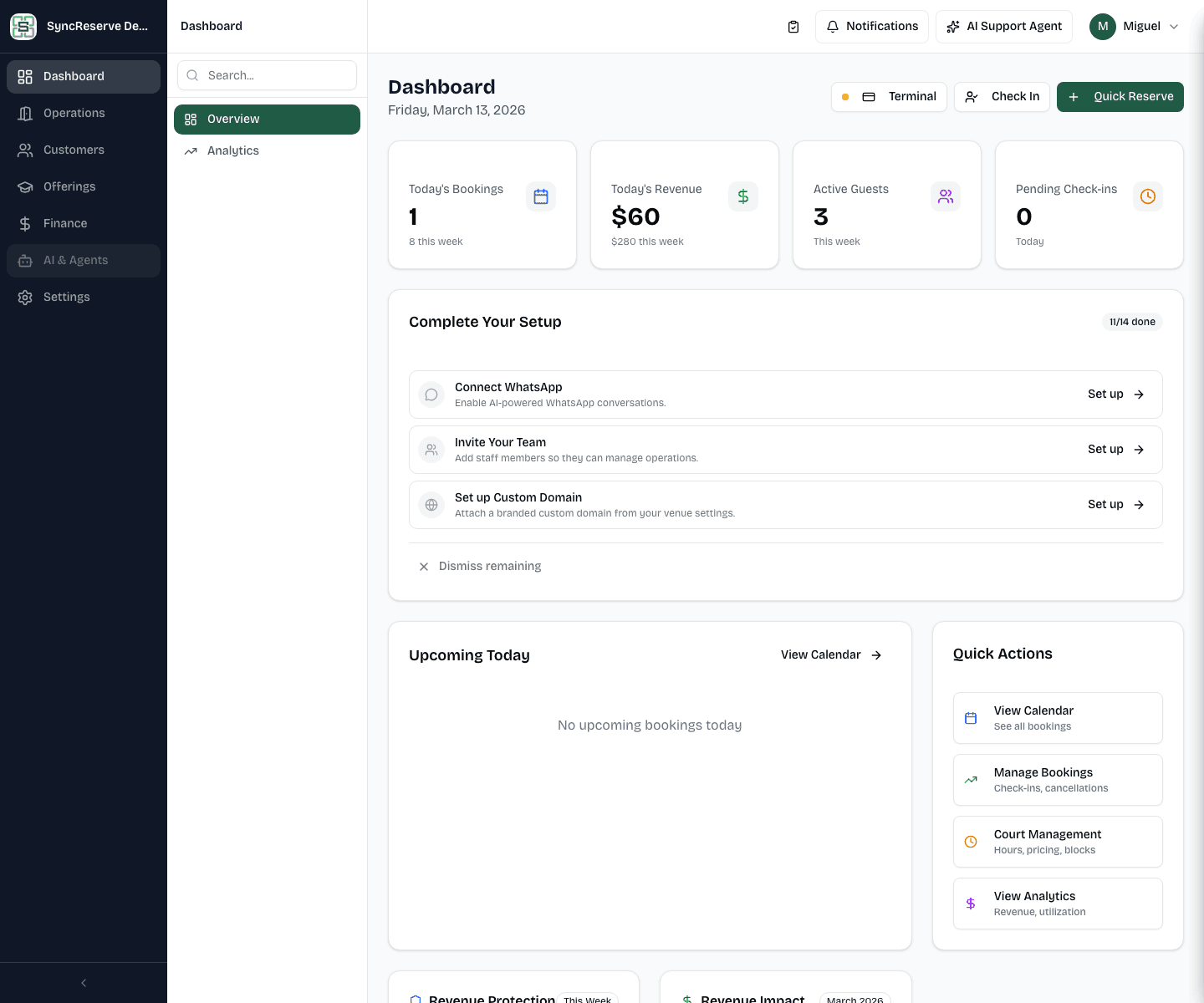
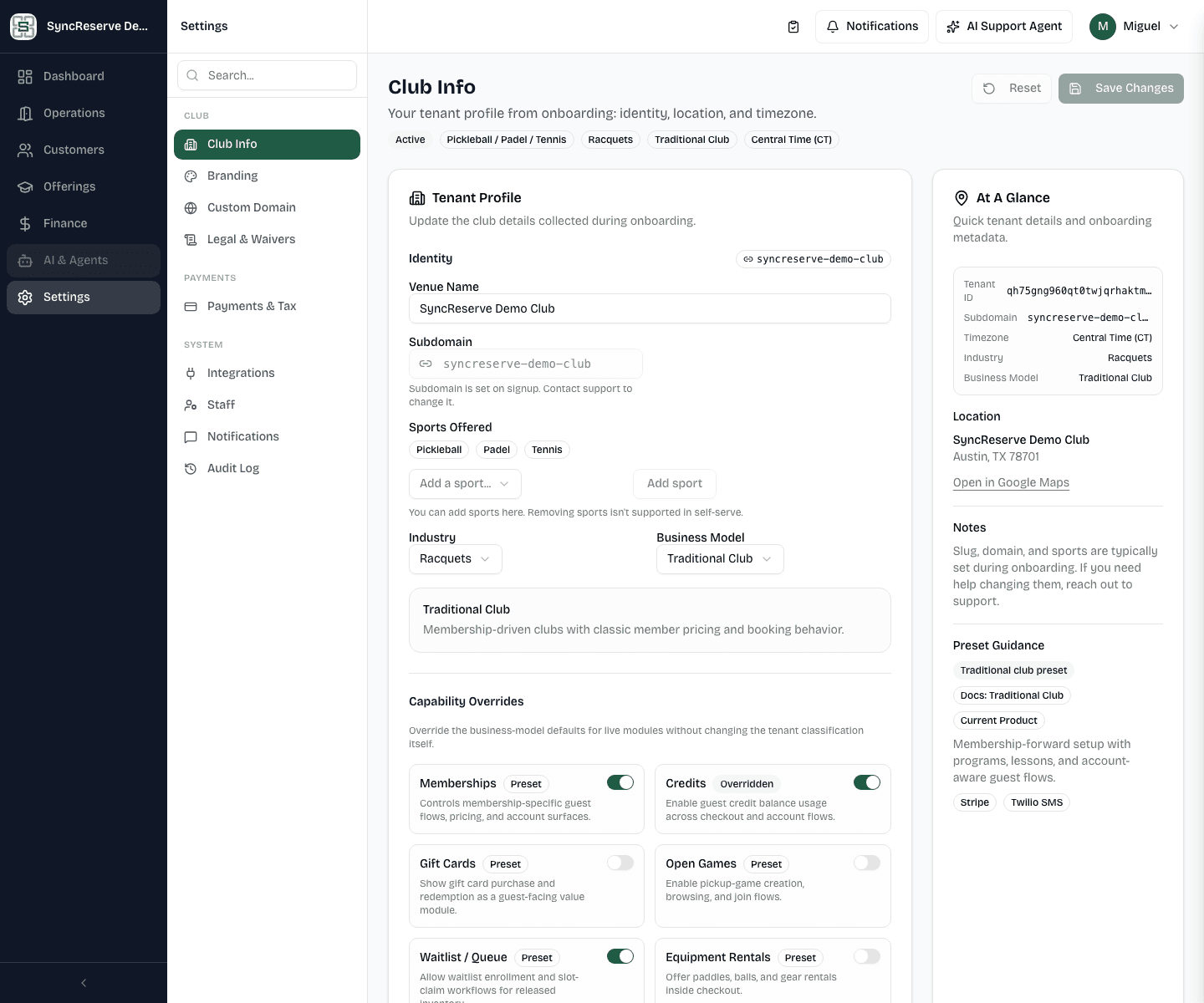
/admin/admin/calendar/admin/bookings/admin/settingsScreenshots
Admin Navigation
The admin dashboard is organized around a primary navigation model rather than a single flat menu.
The main operating areas are:
- front desk and daily operations
- customers and CRM
- offerings and programming
- finance and revenue controls
- settings and governance
For most tenants, the fastest way to orient a new admin user is:
- open
/admin - identify the primary section they work in most often
- learn the related secondary pages inside that section
If you need a task-based example next, continue to the guest flow guide at
/docs/guest/reserve-a-court.